Lemon Water

A hydration reminder that never dings at the same time twice.

Lemon Water reminds you to drink water at random times through the day. When the ding comes, tap “I sipped!” on the notification and get straight back to what you were doing.

Coming soon to Google Play
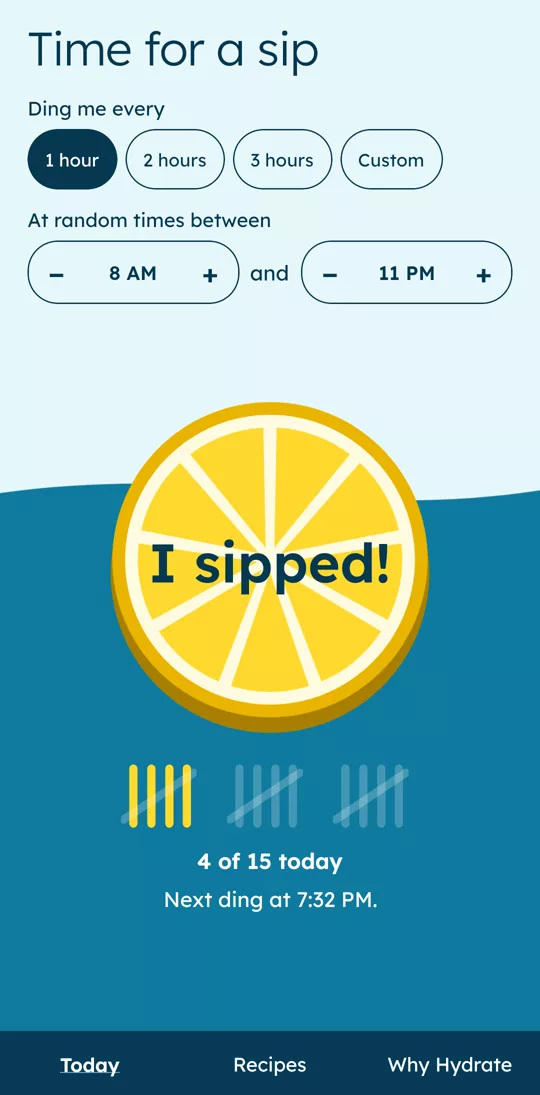
The Today screen: a big lemon button that says I sipped, four tally marks out of fifteen, and the next ding at 7:32 PM.

How it works

  1. Pick how often

    Every hour, every 2 or 3 hours, or your own interval. Choose the hours dings can come, like 8 AM to 11 PM.

  2. Get a ding

    Each ding comes at a random time, different every day, so the reminder never fades into the background.

  3. Sip and tally

    Tap “I sipped!” and a tally mark goes up. One sip counts per ding, so your tally shows the reminders you actually answered.

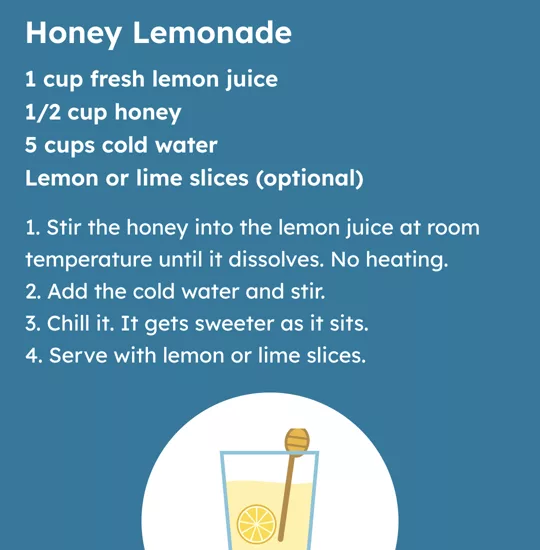
The Honey Lemonade recipe: 1 cup fresh lemon juice, 1/2 cup honey and 5 cups cold water.

Lemon water recipes

A gallon of lemon water from 3 lemons, honey lemonade, ginger green tea, or frozen lemon cubes. Each one is a few ingredients and a few steps.

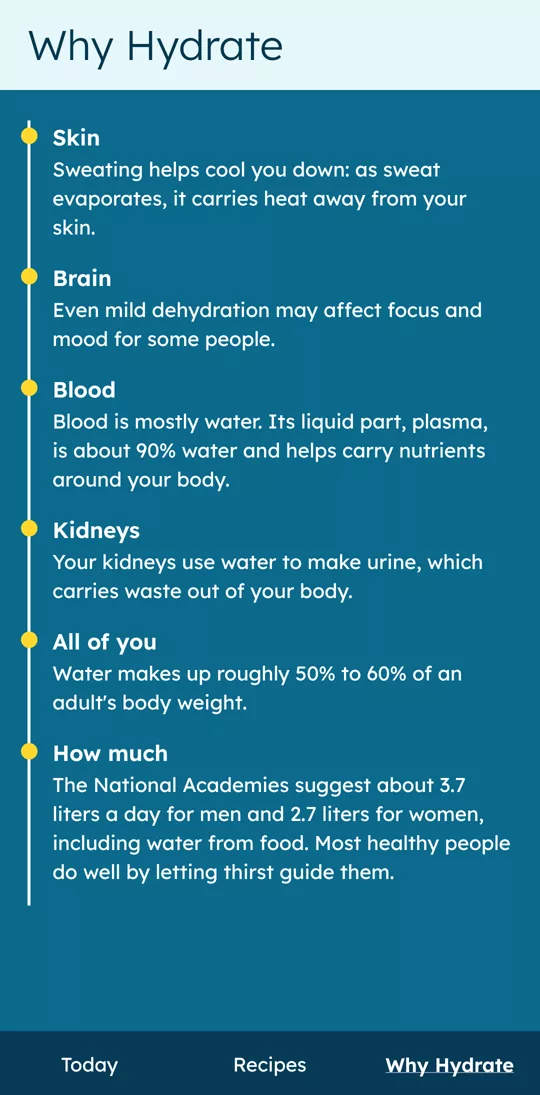
The Why Hydrate screen, with short notes on skin, brain, blood, kidneys and how much to drink.

Why hydrate

Short, plain notes on what water does for your skin, brain, blood and kidneys, and what a squeeze of lemon adds.

Nothing leaves your phone.

No account, no ads, no tracking. Your settings and sip count stay on your device. Read the privacy policy.